
OIA Chrome Extension
 Edge Add-on
Chrome ExtensionEdge Add-onAutoOrganize — smart playlists for YouTube Music
Auto-sort your YouTube Music Liked Songs into real genre playlists, created in your own account. Local-first, no subscription.
Chrome ExtensionEdge Add-onAuto-sort your YouTube Music Liked Songs into real genre playlists, created in your own account. Local-first, no subscription.
Turn a 1,000-track Liked Songs graveyard into organized, smart genre playlists in your YouTube Music account. Scanned privately on-device, sorted with MusicBrainz data, synced everywhere by Google.
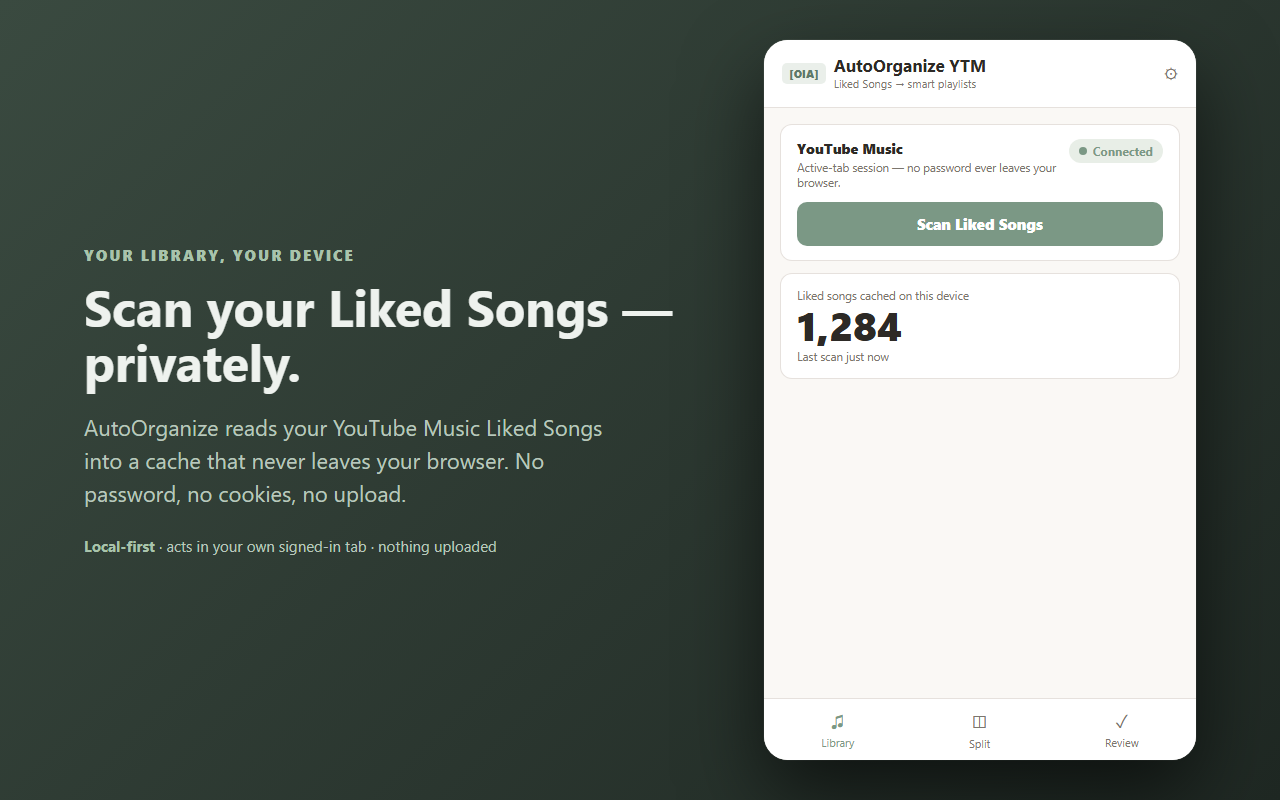

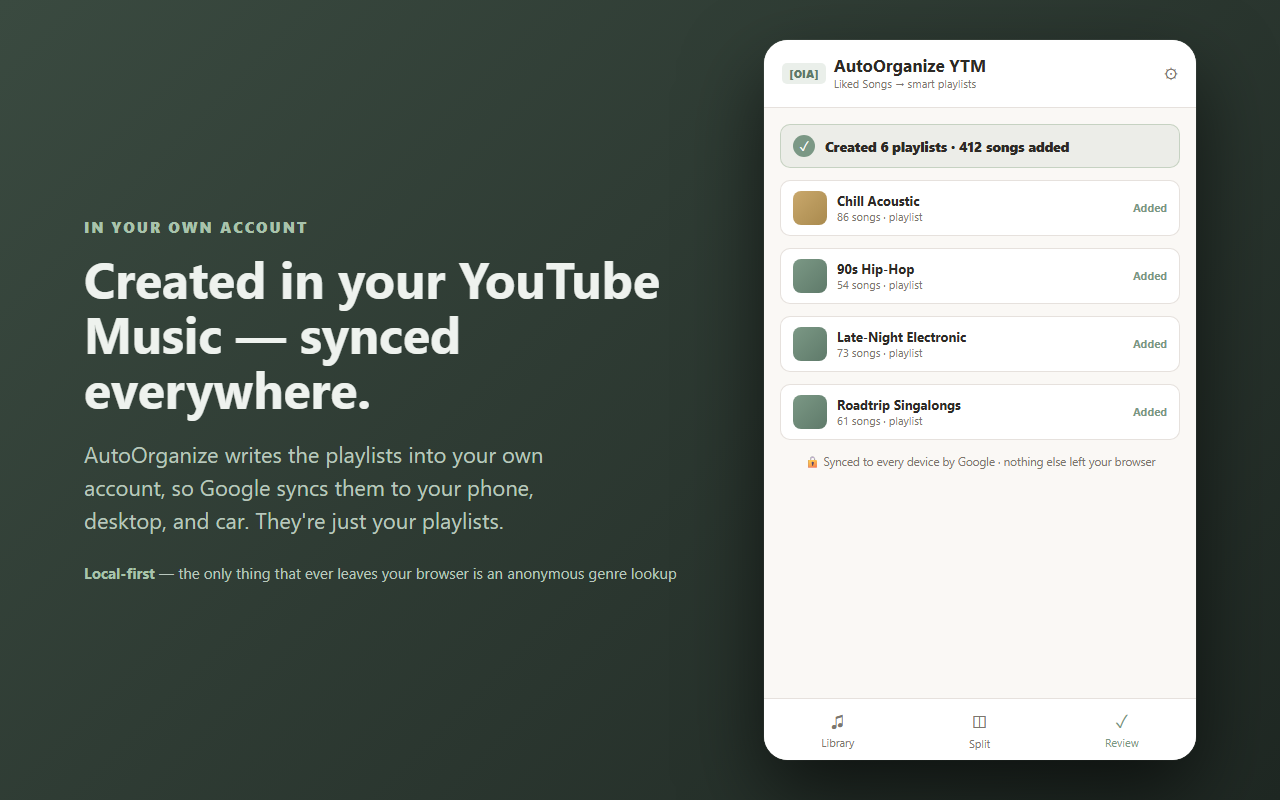
Turn a chaotic Liked Songs list into clean playlists — automatically.
If your YouTube Music "Liked songs" is a thousand-track pile you never actually browse, AutoOrganize sorts it into real genre playlists — created right in your own account, so they sync to every device through Google.
It works in the Chrome side panel, on top of your own signed-in YouTube Music tab. It never asks for your password and never lifts your cookies — it acts in the page's own session, the same way the site already does on your behalf.
Preview every playlist free, and create your first one free. After that, a single one-time unlock gives you unlimited playlists forever — no subscriptions, no metering, no recurring fees. Every competitor in this space rents by the month; AutoOrganize doesn't.
Your library stays in this browser (chrome.storage.local + IndexedDB). The only thing that ever leaves is an anonymous artist-genre lookup on musicbrainz.org when you organize — just an artist name, to fetch its genre. No account, no tracking, no ads, no cloud. See exactly what moves in the data-flow diagram above.
Built by 864zeros — local-first, privacy-first Chrome tools.