
OIA Chrome Extension
 Edge Add-on
Chrome ExtensionEdge Add-onFocus Wall — quick sticky notes for what matters now
Jot quick sticky notes in the side panel, arrange them on a board, copy or download them. 100% local. Made for ADHD minds.
Chrome ExtensionEdge Add-onJot quick sticky notes in the side panel, arrange them on a board, copy or download them. 100% local. Made for ADHD minds.
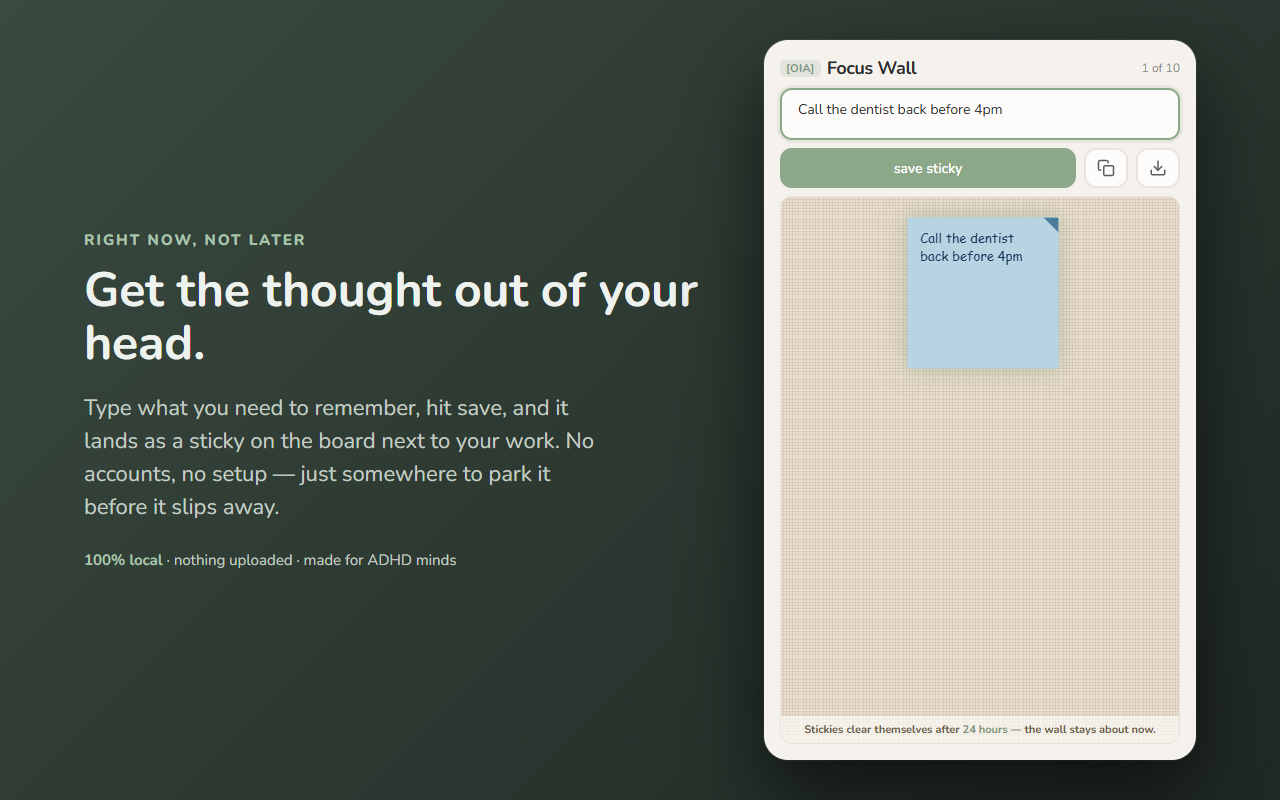
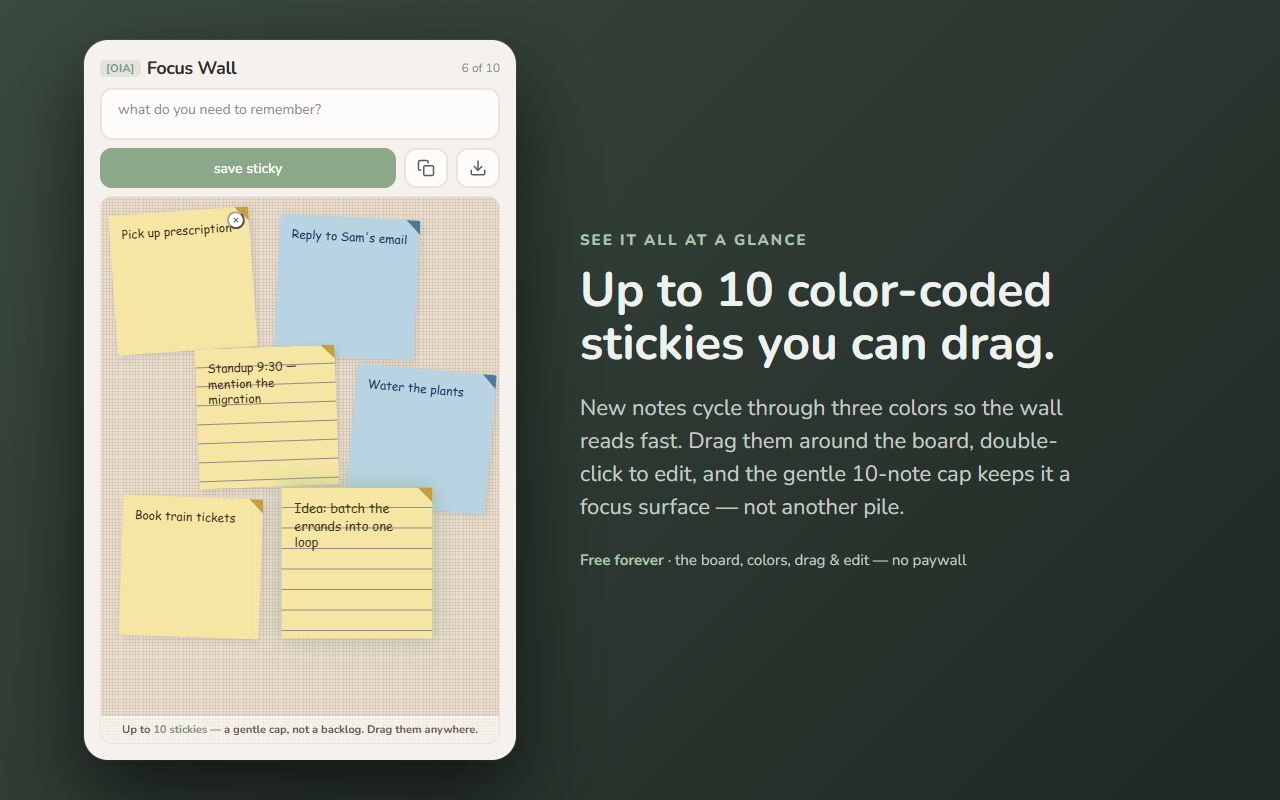
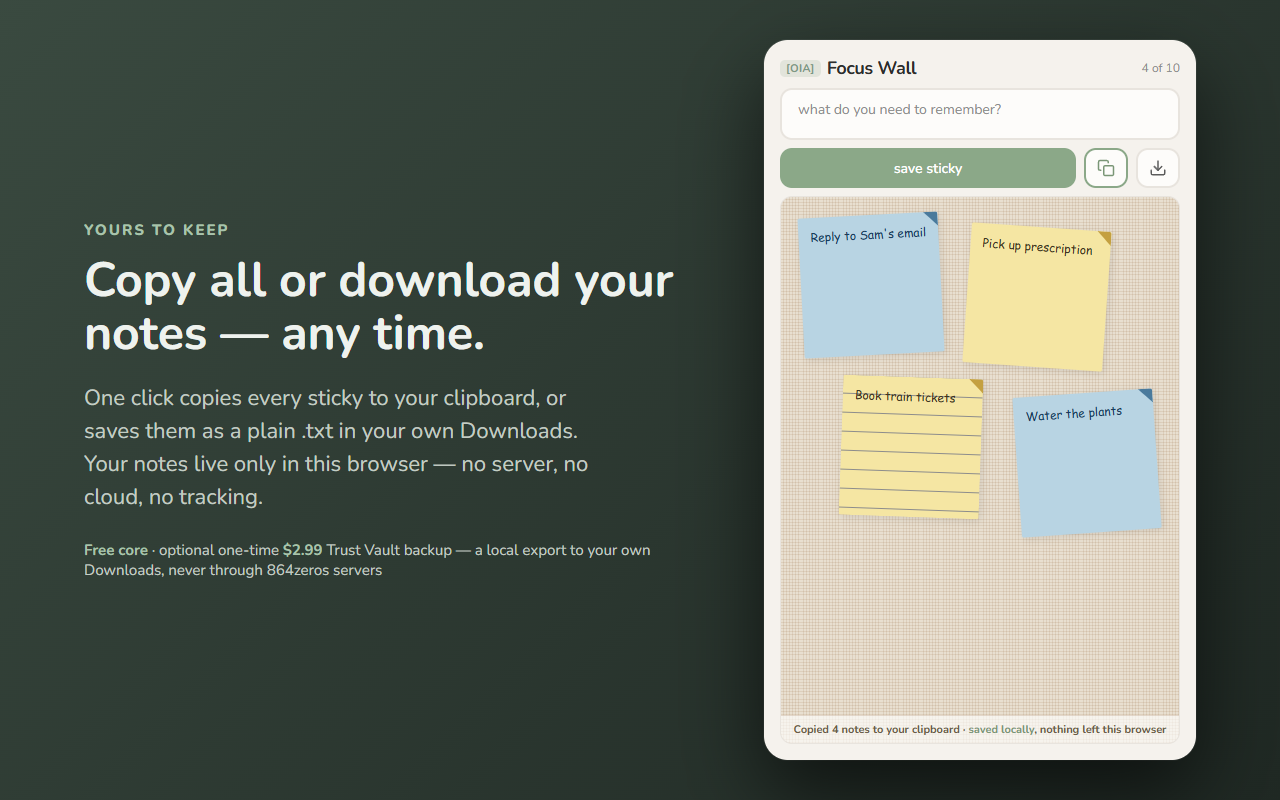
Get the thought out of your head and onto the wall — before it slips away.
Focus Wall is a quick sticky-note surface that lives in your Chrome side panel. Type what you need to remember, hit save, and it becomes a color-coded sticky on a cork board right next to your work. No setup, no accounts, no friction — just somewhere to park the thing so you can get back to it.
It's built for ADHD minds: short, forgiving, and low-pressure. Notes are temporary by design — the wall stays about right now instead of turning into another pile you have to manage.
Stickies clear themselves after 24 hours. This is on purpose, not a bug: Focus Wall is a scratch surface for the next few hours, not a permanent archive. The wall tidies up after itself so you never feel behind. If a note matters longer than a day, use Copy all or Download to keep it before it clears.
Everything stays on your device. Your notes live only in this browser (chrome.storage.local). Focus Wall has no server, requests no page or browsing permissions, and sends none of your notes anywhere — nothing you write ever leaves your machine. See exactly what moves (and what doesn't) in the data-flow diagram above.
Every note feature is free forever: writing, the board, colors, drag-to-arrange, copy all, and .txt download. A one-time unlock adds a Trust Vault data backup — a local export/import of your data as a portable file to your own Downloads folder, never through 864zeros servers. It's a backup convenience, not a paywall on the app. If Focus Wall helped, you can also leave an optional tip.
Built by 864zeros — local-first, privacy-first Chrome tools.